

用户选择
需要通过部门筛选用户时使用
基础用法
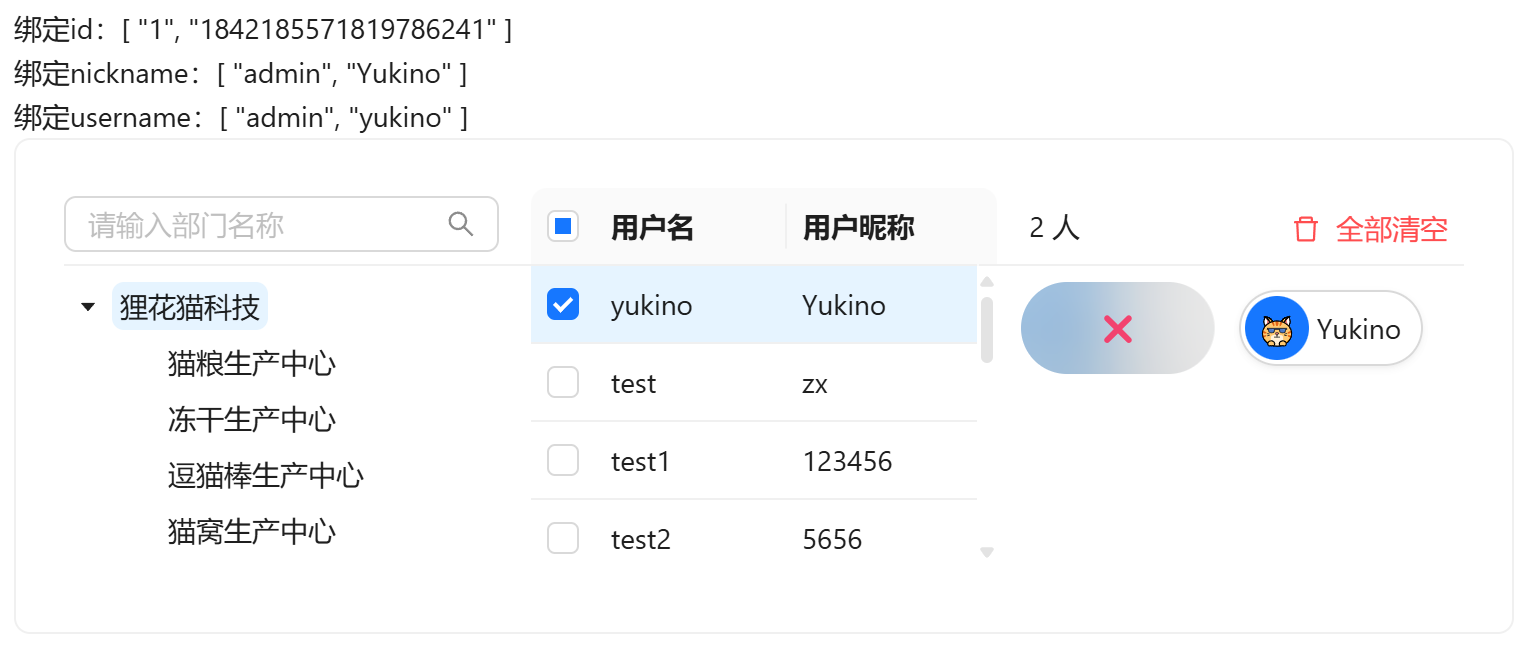
引入组件import UserSelect from "@/components/user-select/index.vue",默认查询全部部门,可通过不同的v-model进行多种属性绑定,提供id nickname username的双向绑定。可在已选用户中点击删除选中用户
组件为三栏结构(部门树 / 用户列表 / 已选用户),三栏间可拖拽竖条调整宽度(双击竖条重置为默认比例);用户列表为虚拟滚动表格,支持跨页勾选与点击行选中;部门树支持按名称检索(命中关键词高亮)
vue
<template>
  <div>
    <a-typography-title :level="4">基础用法</a-typography-title>
    <a-typography-text>绑定id:{{value}}</a-typography-text><br/>
    <a-typography-text>绑定nickname:{{nickname}}</a-typography-text><br/>
    <a-typography-text>绑定username:{{username}}</a-typography-text>
    <user-select v-model:id="value" v-model:nickname="nickname" v-model:username="username"/>
  </div>
</template>

<script setup lang="ts">
import UserSelect from "@/components/user-select/index.vue"
import {ref} from "vue";
const value = ref<string[]>([])
const nickname = ref<string[]>([])
const username = ref<string[]>([])
</script>
用户所属部门
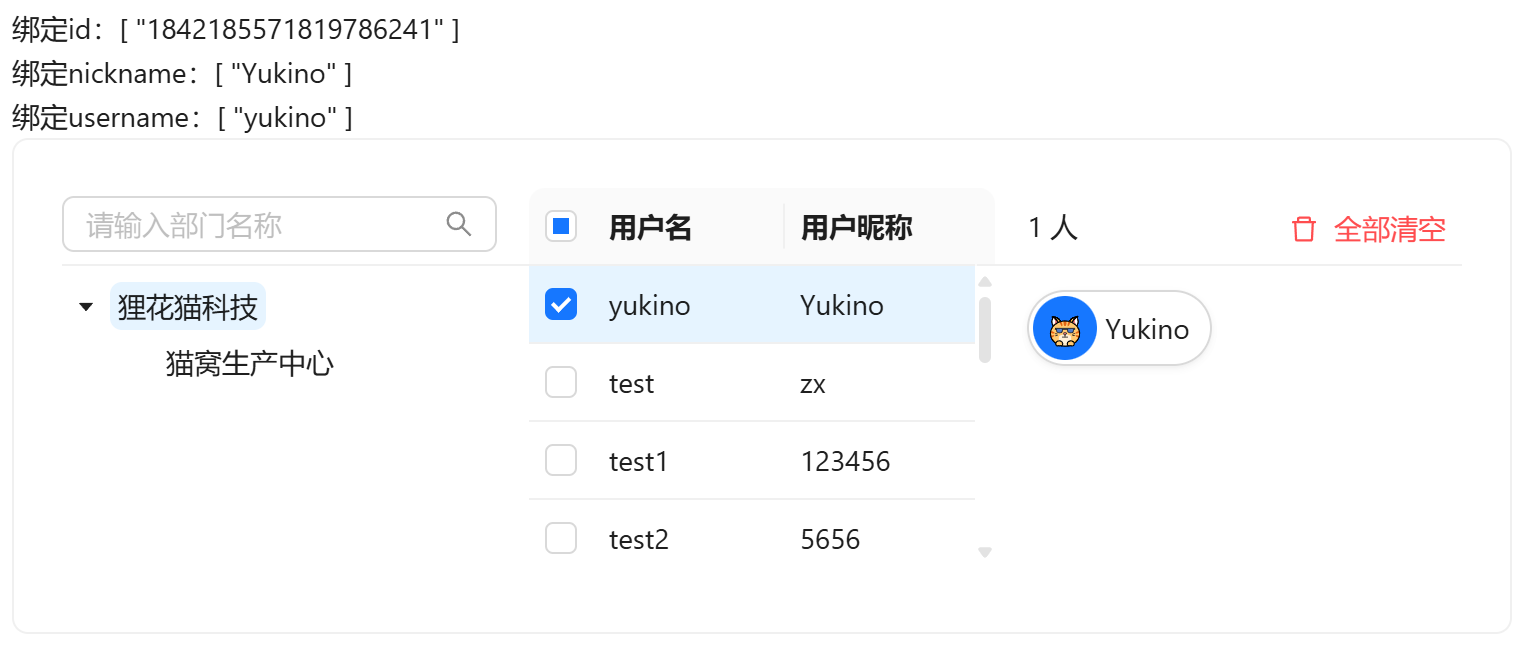
通过:all-dept-data="false"指定仅获取当前登录用户拥有部门数据
vue
<template>
  <div>
    <a-typography-title :level="4">用户所属部门</a-typography-title>
    <a-typography-text>绑定id:{{value}}</a-typography-text><br/>
    <a-typography-text>绑定nickname:{{nickname}}</a-typography-text><br/>
    <a-typography-text>绑定username:{{username}}</a-typography-text>
    <user-select v-model:id="value"
                 v-model:nickname="nickname"
                 v-model:username="username"
                 :all-dept-data="false"
    />
  </div>
</template>

<script setup lang="ts">
import UserSelect from "@/components/user-select/index.vue"
import {ref} from "vue";
const value = ref<string[]>([])
const nickname = ref<string[]>([])
const username = ref<string[]>([])
</script>
自定义宽高
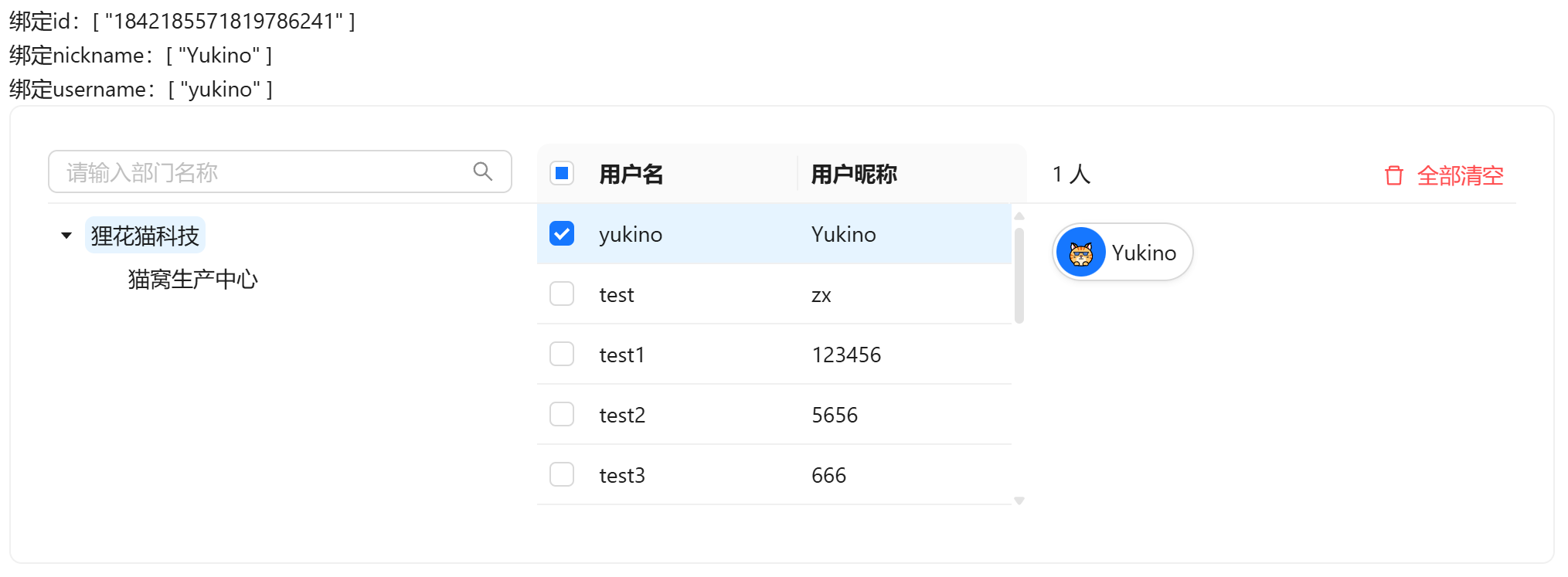
通过width和height属性修改组件尺寸
vue
<template>
  <div>
    <a-typography-title :level="4">自定义宽高</a-typography-title>
    <a-typography-text>绑定id:{{value}}</a-typography-text><br/>
    <a-typography-text>绑定nickname:{{nickname}}</a-typography-text><br/>
    <a-typography-text>绑定username:{{username}}</a-typography-text>
    <user-select v-model:id="value"
                 v-model:nickname="nickname"
                 v-model:username="username"
                 :all-dept-data="false"
                 :width="1000"
                 :height="200"
    />
  </div>
</template>

<script setup lang="ts">
import UserSelect from "@/components/user-select/index.vue"
import {ref} from "vue";
const value = ref<string[]>([])
const nickname = ref<string[]>([])
const username = ref<string[]>([])
</script>
回显
v-model:id 中传入已有用户id集合,组件挂载时会根据id反查用户信息(id、昵称、头像、部门)自动回显已选用户
API
双向绑定
| 属性名称 | 描述 | 类型 | 默认值 | 是否必填 |
|---|---|---|---|---|
| v-model:id | 双向绑定用户id | string[] | - | 否(最起码绑定一个) |
| v-model:username | 双向绑定用户用户名 | string[] | - | 否(最起码绑定一个) |
| v-model:nickname | 双向绑定用户昵称 | string[] | - | 否(最起码绑定一个) |
属性
| 属性名称 | 描述 | 类型 | 默认值 | 是否必填 |
|---|---|---|---|---|
| height | 三个分栏的滚动区高度 | number | 151 | 否 |
| width | 卡片宽度 | number | 750 | 否 |
| bordered | 卡片边框 | boolean | true | 否 |
| bodyStyle | 卡片body样式 | object | 否 | |
| allDeptData | 部门树是否取全量数据(false仅取当前用户可见部门) | boolean | true | 否 |
| emptyDescription | 部门为空时提示词 | string | - | 否 |
事件
| 事件名称 | 描述 | 回调参数 |
|---|---|---|
| change | 选中用户变化时触发 | 选中的用户数组(SysUser[]) |