

消息通知 仅原生APP支持
App内需要顶部消息提醒的场景使用
提示
组件调用 new plus.nativeObj.View() API进行绘制,小程序不支持,多端开发使用时需进行条件编译
由于安卓在API处理上存在问题,现仅支持上划关闭。已向官方反馈,修复后将进行更新 反馈地址
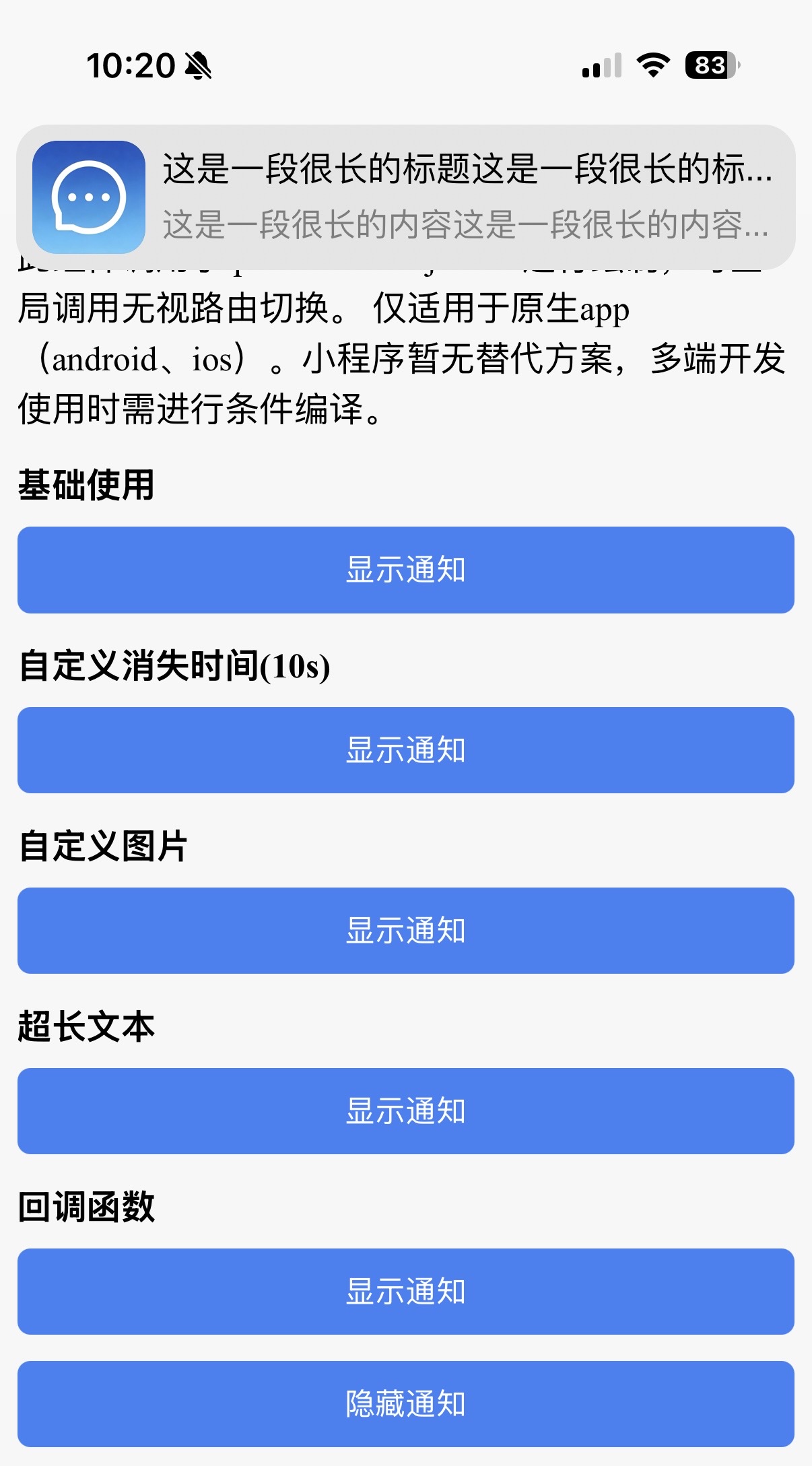
基础使用
引入 import MessageNotify from '@/utils/MessageNotify',由 ts 层面发起调用,无需写dom
ts
<script setup lang="ts">
import MessageNotify from '@/utils/MessageNotify'
import { toast } from '@/utils/toast'

// 显示通知
const show = (title?: string, content: string, image?: string, duration?: number) => {
  MessageNotify.show({
    title,
    content,
    duration,
    image,
  })
}

// 隐藏通知
const hide = () => {
  MessageNotify.hide()
}

// 带回调的示例
const callbackShow = () => {
  MessageNotify.show(
    { content: '测试内容' },
    () => {
      toast('点击了通知')
    },
    (direction) => {
      toast('滑动方向:' + direction)
    }
  )
}
</script>
API
MessageNotify.show
显示通知
| 参数位置 | 描述 | 参数说明 |
|---|---|---|
| 第一个参数 | 通知内容配置 | notifyContent: NotifyContent |
| 第二个参数 | 点击通知回调(可选) | clickCallback?: () => void |
| 第三个参数 | 滑动结束回调(可选) | moveEndCallback?: (direction: 'top' | 'right' | 'bottom' | 'left') => void |
MessageNotify.hide
手动关闭当前通知
| 方法 | 描述 | 参数 |
|---|---|---|
| MessageNotify.hide | 关闭通知 | - |
NotifyContent 属性说明
以下属性作为 MessageNotify.show 的第一个参数,以对象形式传入
| 属性名 | 描述 | 类型 | 默认值 | 必填 |
|---|---|---|---|---|
| title | 通知标题 | string | '通知' | 否 |
| content | 通知内容 | string | - | 是 |
| duration | 自动关闭时间(毫秒) | number | 3000 | 否 |
| image | 通知图片路径 | string | '_www/static/notice/MessageOutlined.png' 仅支持本地路径,如需使用网络图片,可通过 获取附件临时地址 转换后再传入 | 否 |
回调说明
MessageNotify.show 支持传入两个可选回调函数
| 参数位置 | 触发时机 | 回调参数 |
|---|---|---|
| 第二参数 | 用户点击通知时触发,触发后会自动关闭通知 | - |
| 第三参数 | 通知被滑动至阈值时触发,触发后会自动关闭通知 | direction: 'top' | 'right' | 'bottom' | 'left' |