

附件上传
业务场景中有需要上传照片或视频的场景
提示
如需从文件管理器中上传其他类型附件,需要自行扩展,uniapp没有提供相关接口。 微信小程序支持从聊天内容中选取其他类型附件
基础用法
引入组件 import AttachmentUpload from "@/components/attachment-upload/index" ,使用v-model进行双向绑定即可。双向绑定的数据为逗号分隔格式,返回的数据为后台附件表sys_attachment的主键id
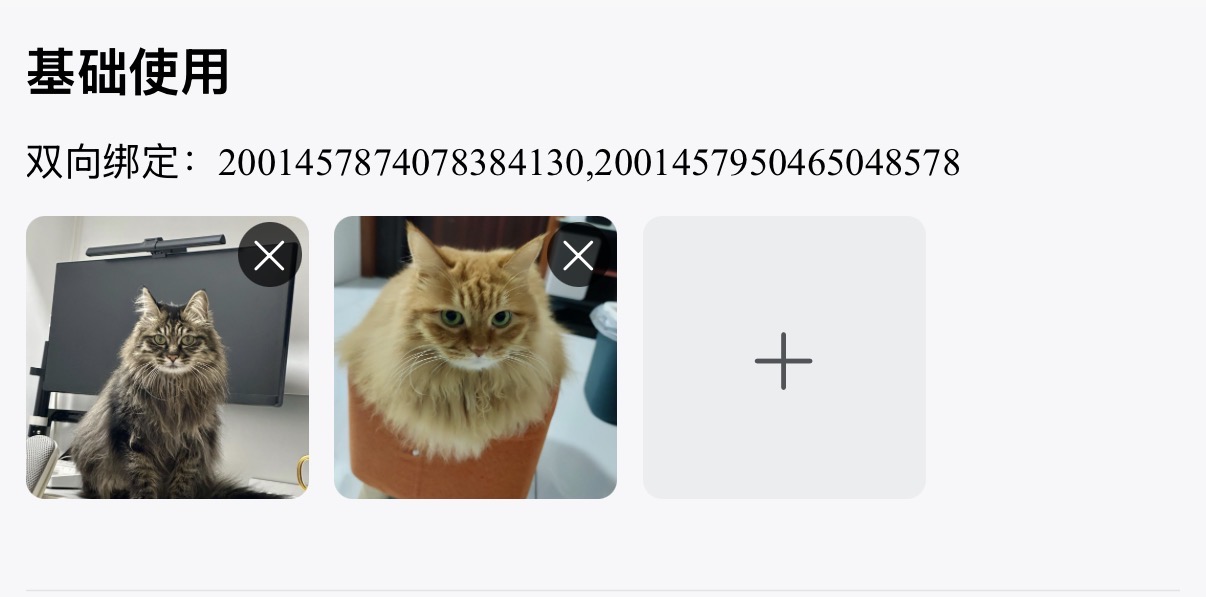
<template>
  <sar-space direction="vertical">
    <view class="title">基础使用</view>
    <view class="model-val">双向绑定:{{attachmentValue1}}</view>
    <attachment-upload v-model="attachmentValue1"/>
  </sar-space>
</template>
<script lang="ts" setup>
import AttachmentUpload from "@/components/attachment-upload/index"
const attachmentValue1 = ref<string>()
</script>
按钮形式
设置 mode="button" 即可以按钮形式上传。附件预览以卡片形式展示
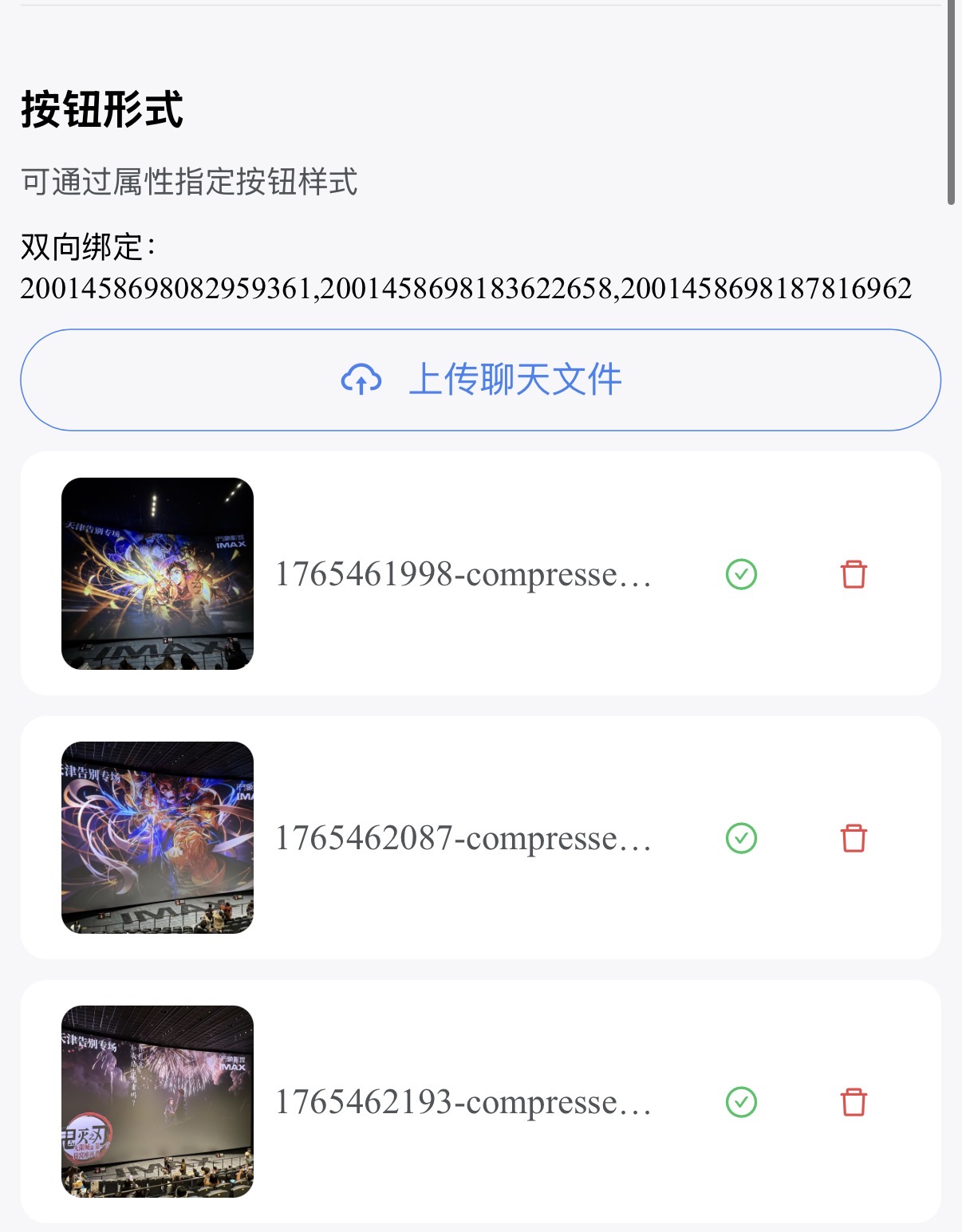
<template>
  <sar-space direction="vertical">
    <view class="title">按钮形式</view>
    <view class="model-val">双向绑定:{{attachmentValue1}}</view>
    <attachment-upload
     v-model="attachmentValue2"
     mode="button"
     button-type="outline"
     buttonText="上传聊天文件"
     buttonIsRound
     buttonIcon="CloudUploadOutlined"
     buttonIconFamily="outlined"/>
  </sar-space>
</template>
<script lang="ts" setup>
import AttachmentUpload from "@/components/attachment-upload/index"
const attachmentValue2 = ref<string>()
</script>从聊天框选择仅微信小程序支持
设置 uploadType="file" 或 uploadType="all" 时生效,此模式下只能使用按钮形式。支持通过 extension 属性指定附件类型
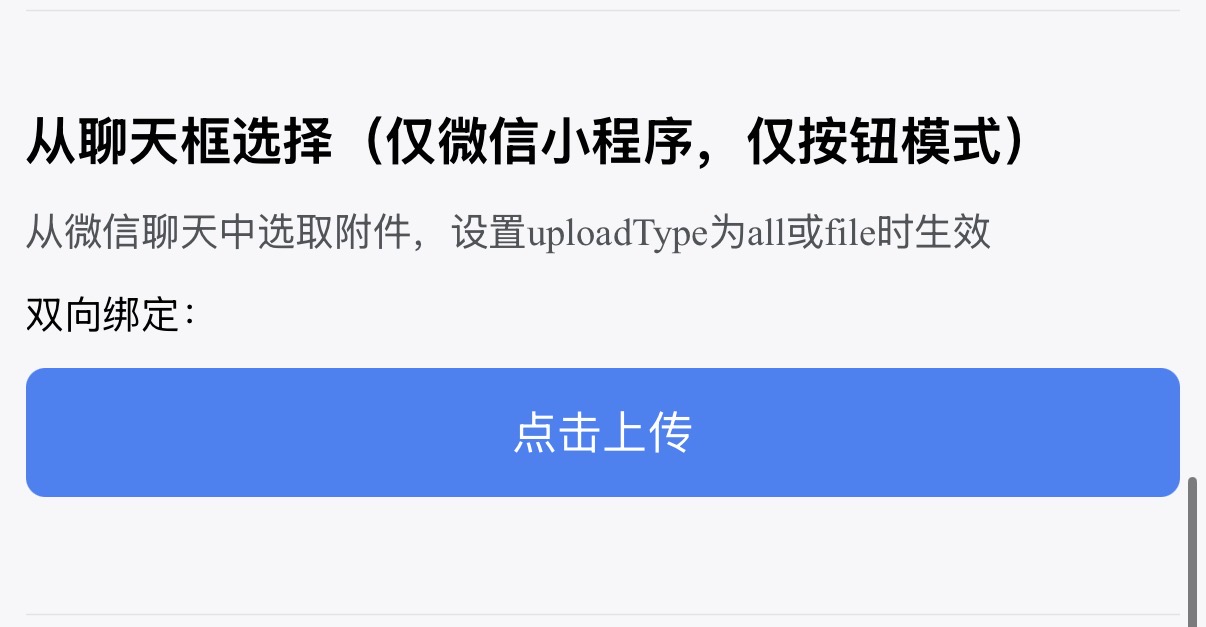
<template>
  <sar-space direction="vertical">
    <view class="title">从聊天框选择</view>
    <view class="model-val">双向绑定:{{attachmentValue1}}</view>
    <attachment-upload v-model="attachmentValue3" uploadType="file" :extension="['pdf']"/>
  </sar-space>
</template>
<script lang="ts" setup>
import AttachmentUpload from "@/components/attachment-upload/index"
const attachmentValue3 = ref<string>()
</script>
数量大小限制
设置 :max-count="2" 指定最多上传数量,设置 :max-size="10 * 1024" 指定单个附件大小
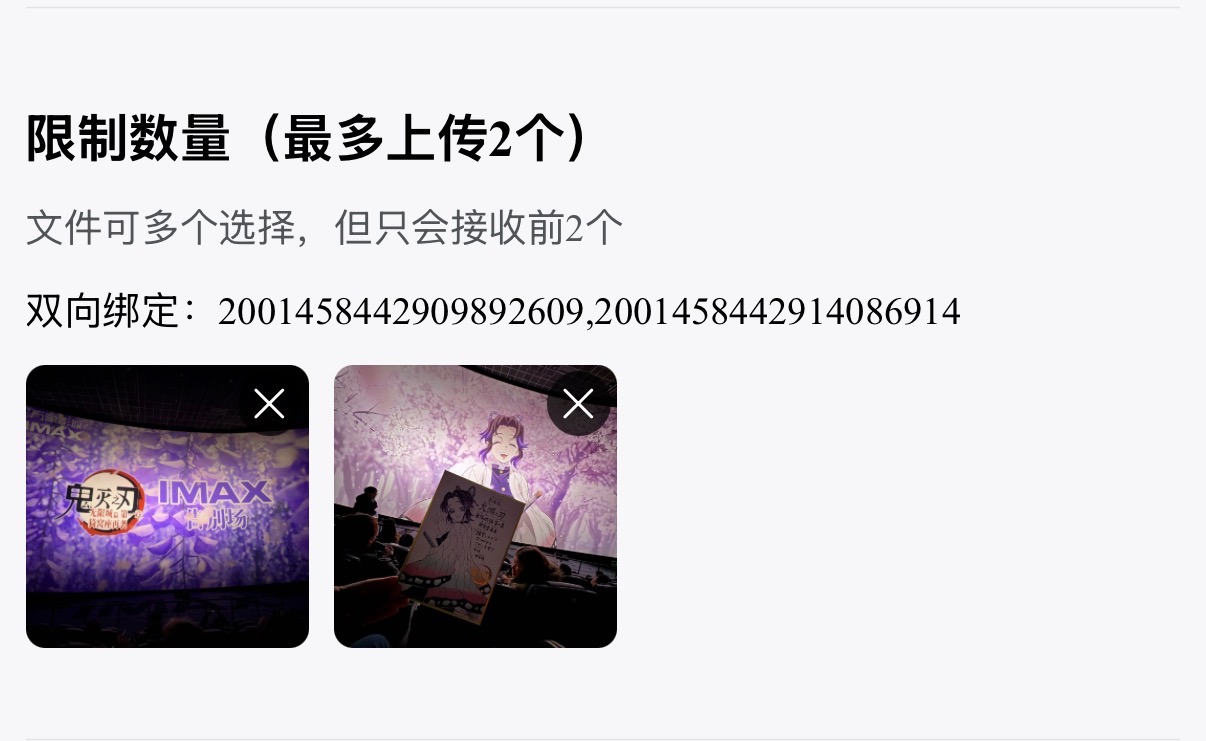
<template>
  <sar-space direction="vertical">
    <view class="title">数量大小限制</view>
    <view class="model-val">双向绑定:{{attachmentValue1}}</view>
    <attachment-upload v-model="attachmentValue4" :max-count="2" :max-size="10 * 1024"/>
  </sar-space>
</template>
<script lang="ts" setup>
import AttachmentUpload from "@/components/attachment-upload/index"
const attachmentValue4 = ref<string>()
</script>
API
双向绑定
| 属性名称 | 描述 | 类型 | 默认值 | 必填 |
|---|---|---|---|---|
| v-model | 双向绑定 | string | - | 是 |
属性
| 属性名称 | 描述 | 类型 | 默认值 | 必填 |
|---|---|---|---|---|
| businessCode | 业务编码(用于后台附件管理区分附件对应的业务) | string | - | 是 |
| businessName | 业务名称(用于后台附件管理区分附件对应的业务) | string | - | 是 |
| mode | 模式切换 | 'button' | 'picture' | 'picture' | 否 |
| uploadType | 可上传附件类型(设置为file会从微信聊天中选取文件,仅微信小程序支持) | 'image' | 'video' | 'file' | 'all' | 'image' | 否 |
| extension | 包含的文件后缀,仅 uploadType === 'file' 时生效,数组后缀名不带. | string[] | - | 否 |
| maxCount | 最大上传数量 | number | 6 | 否 |
| maxSize | 单个附件最大上传大小(单位:字节) | number | 1*1024*1024 (1MB) | 否 |
| disabled | 禁用状态 | boolean | false | 否 |
| readonly | 只读状态 | boolean | false | 否 |
| removable | 可否删除 | boolean | true | 否 |
| autoRemove | 自动删除(点击删除按钮是否自动进行业务删除) | boolean | true | 否 |
| removeText | 删除描述(自动删除开启后,点击删除弹框提示文本) | string | '删除后无法恢复,是否删除?' | 否 |
| buttonText | 按钮文本 | string | '点击上传' | 否 |
| buttonType | 按钮类型 | 'default' | 'pale' | 'mild' | 'outline' | 'text' | 'pale-text' | 'default' | 否 |
| buttonTheme | 按钮主题 | 'primary' | 'secondary' | 'success' | 'info' | 'warning' | 'danger' | 'primary' | 否 |
| buttonIsRound | 是否为圆形按钮 | boolean | false | 否 |
| buttonIsSquare | 是否为方形按钮 | boolean | false | 否 |
| buttonSize | 按钮尺寸 | 'mini' | 'small' | 'medium' | 'large' | 'medium' | 否 |
| buttonIcon | 按钮图标 | string | - | 否 |
| buttonIconFamily | 按钮图标字体 | string | - | 否 |
方法
| 方法名称 | 描述 | 参数 |
|---|---|---|
| uploadSuccess | 上传成功触发 | 附件,附件列表 |
| uploadError | 附件删除时触发 | 附件,错误信息 |
| exceedMaxCount | 超出附件最大数限制时触发 | 附件列表 |